
Skucast › Request a demo
Your own login — no sales call required first
Tell us what you sell. We’ll show you how it gets seen.
The demo is a furnished, fictional business — website, catalog, orders, service, inbox, feeds and reports all populated. Tell us who you are and what you sell, and we send your access straight back by email.
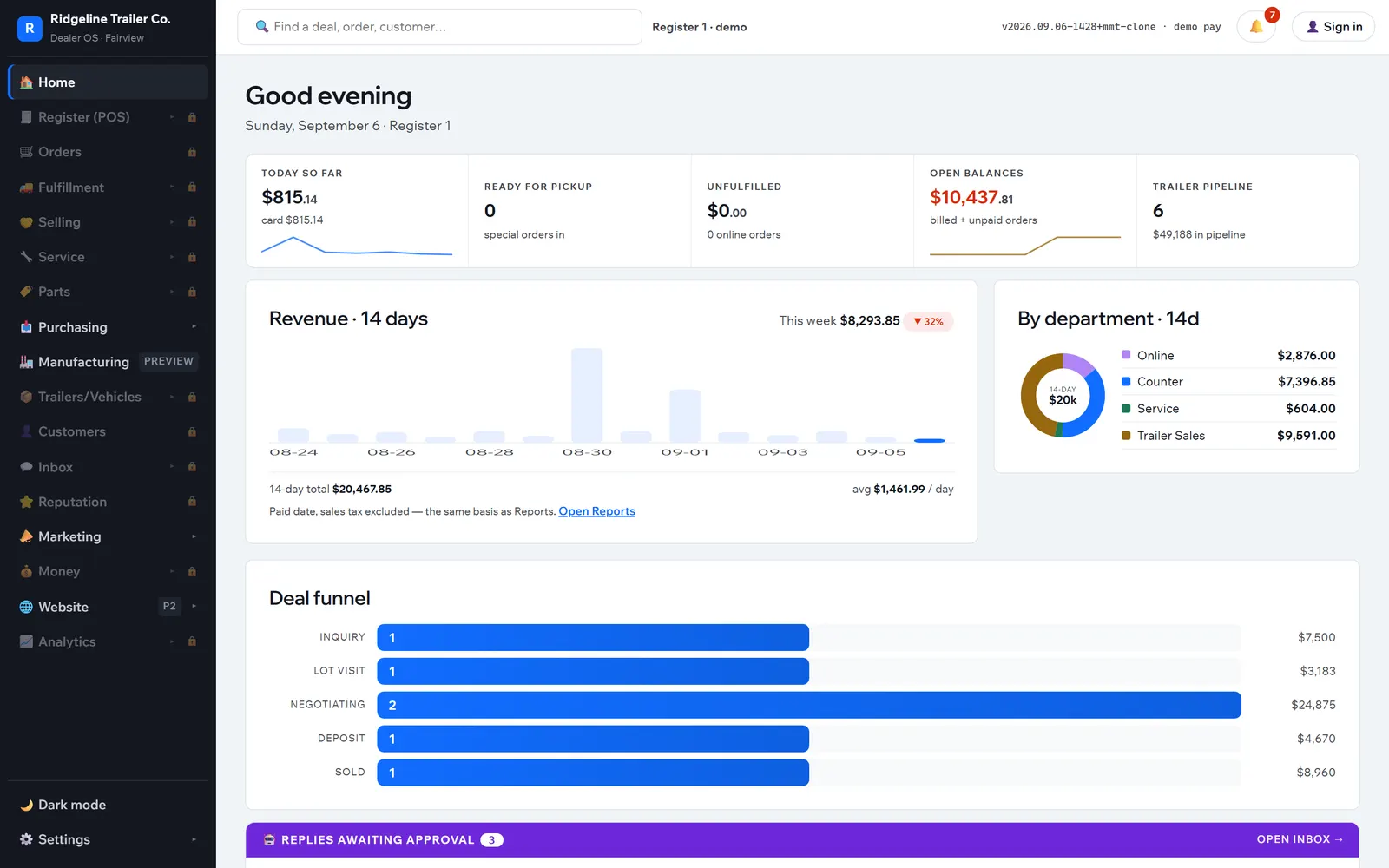
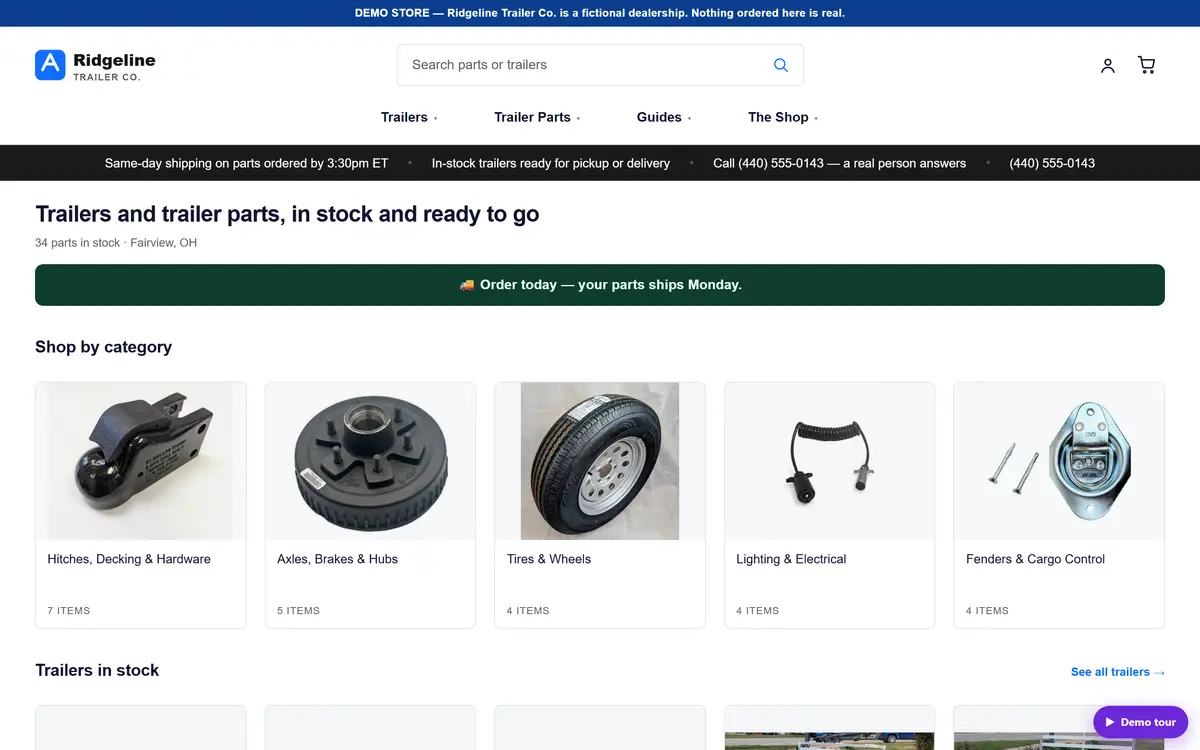
The demo business is fictional and fully furnished. Nothing you do in it is real — click anything.
- The staff app
- The website
- Orders & payments
- Inbox
- Service & work orders
- Purchasing
- Channels & reports
What you get
- Your own access code A personal login to the demo, emailed to the address you give us. Not a shared password passed around a sales team — yours, so you can go back to it.
- The guided tour Both the website and the staff app carry a built-in tour that walks you through the one-record idea, a sale end to end, and where the listings come from. Take it, or ignore it and click anything.
- The full website and the full back office Use the demo website like a customer, then open the same records in the staff app: orders, payments, inbox, service, purchasing, channels and reports. Nothing is a screenshot. The demo is a trailer and parts store; your own setup is shaped to what you sell.
We use what you send here to set up your demo access and to follow up about Skucast. Nothing else, and we do not sell it. Read the Privacy Policy. Prefer to just email? support@skucast.app.
Request access
Check your inbox
Your personal access code and links are on the way. If it has not arrived in a few minutes, look in spam for support@skucast.app.
The demo is a fictional business — nothing you do there is real. Click anything, make a sale, send a quote, break something.